What is an AI pitch screener?
A personal link you send back to a sales pitch. The sender answers questions about the offer. Your criteria filter the weak ones, and you spend time on the offers that get through.
AI booking screener
"Let's NOT have a call" is an AI personal assistant that looks like a booking link. Hand it out to anyone asking for time. Your custom screener will decide who gets your real link and who doesn't.
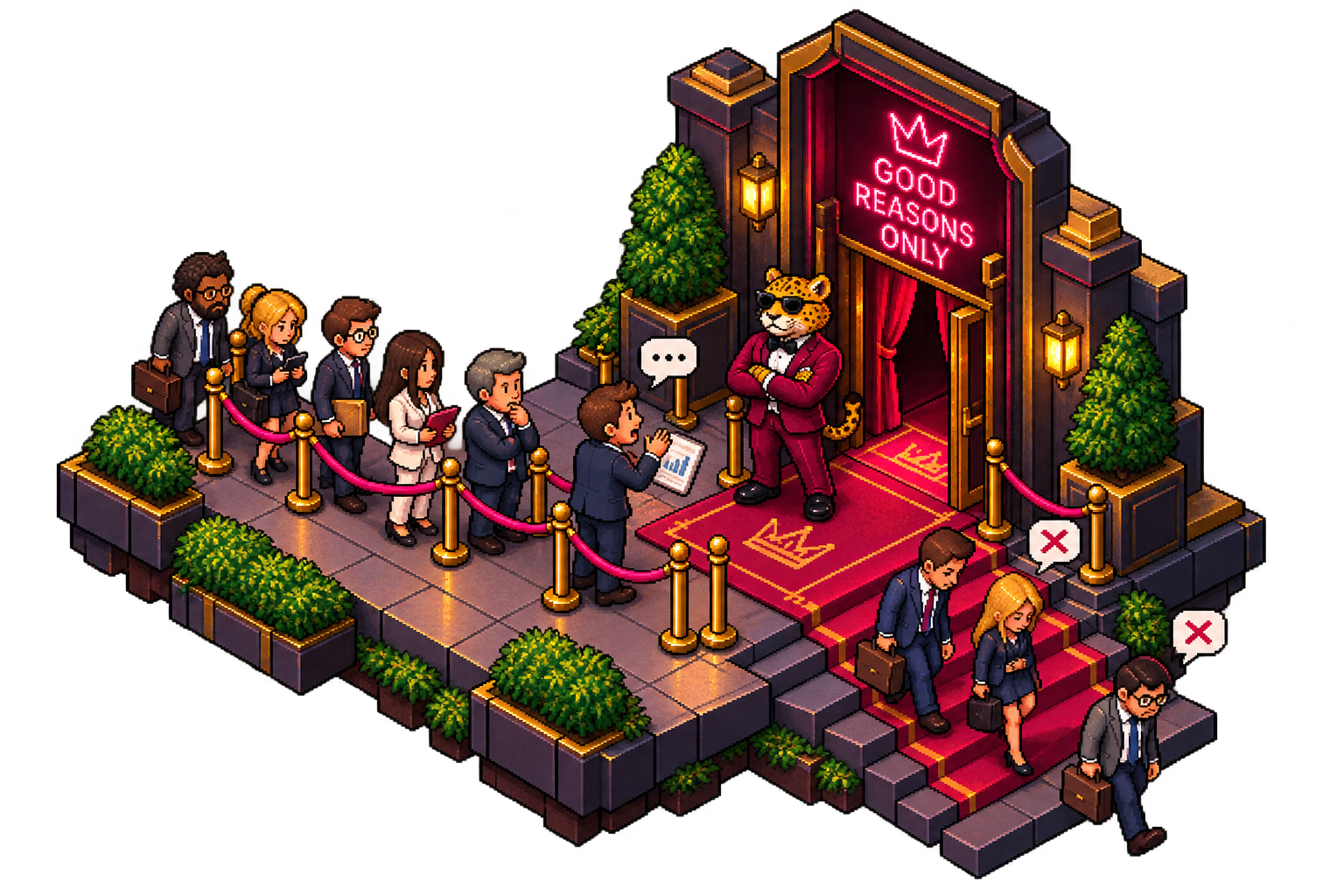
I usually miss that 1, because it gets lost in the 50.
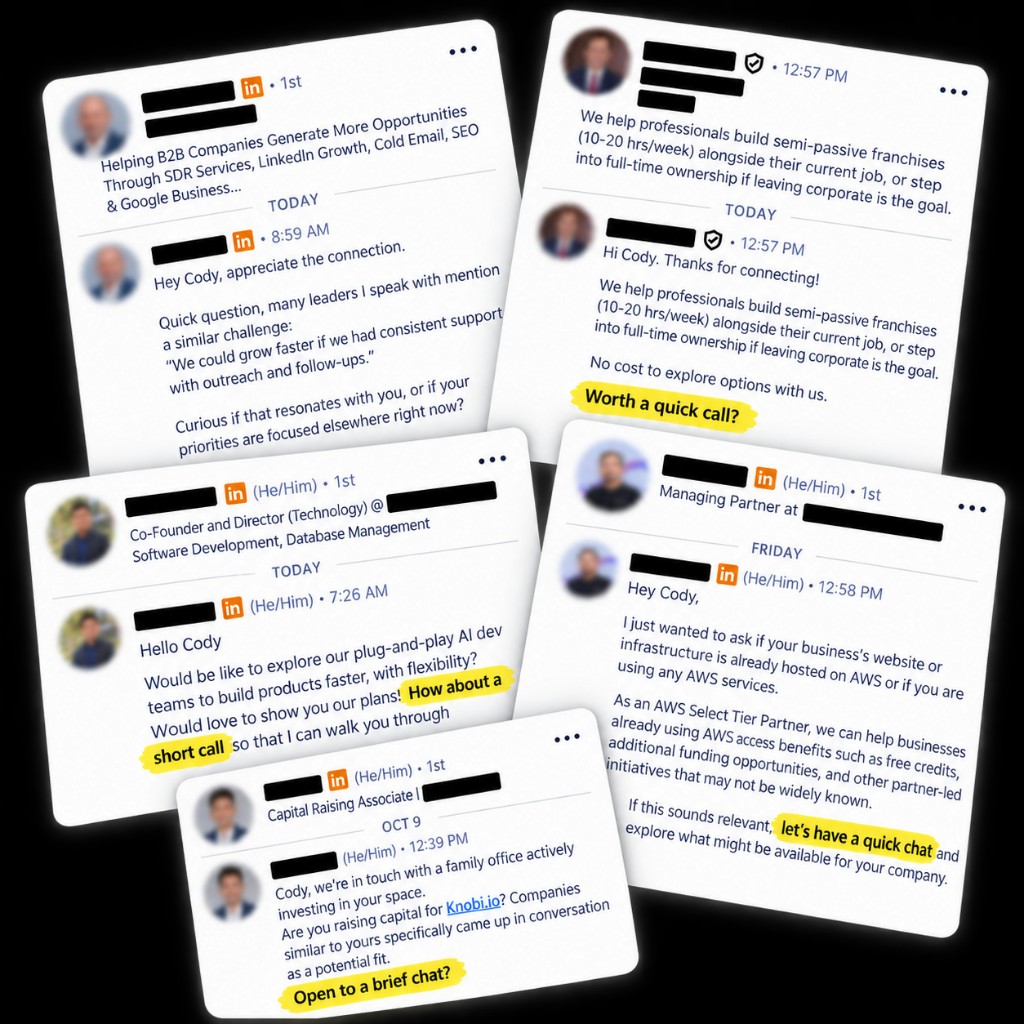
Outreach, SPAM, “pitch slaps”… whatever you call it, it asks you to put in the effort to evaluate a mountain of messaging.
I built “Let's Not Have a Call” because I wanted to shift that effort. I wanted the people sending me “how about a short call?” and “open to a brief chat?” to spend more effort justifying themselves so I could spend less effort digging through them.
Send your personal screener link to anyone asking for time. It looks just like a booking link.
The screener asks follow-up questions and gathers the details you need to judge the offer.
Weak pitches end there. Useful offers are surfaced with enough context to decide what to do next.
Pricing
Three days free, then $5 a month once you publish. Up to five screeners.
Create your screener$5/month
A personal link you send back to a sales pitch. The sender answers questions about the offer. Your criteria filter the weak ones, and you spend time on the offers that get through.
Yes. Reply to an inbound LinkedIn pitch with your screener link.
Yes. Paste the same link into an email reply.
They open the page, say who they are and what they want, and answer follow-up questions. If the pitch fits your criteria, they can receive your booking link. If it does not, they get a short no. You get a summary either way.
You describe your work, the conversations you might want, and the pitches to turn down. The screener uses that, and whether the sender actually answers, to mark the pitch yes or no.
You customize the criteria, not a fixed script. Relevance, the problem, the offer, budget, timing, and proof belong in the notes you write. The screener asks a follow-up when it needs a detail you said matters.
You might. The screener can turn a good pitch down. Pitches it rejects still leave a summary, so you can check the ones you care about instead of losing them in the inbox.
Inbound LinkedIn and email outreach. It is not a phone screener, and it does not run your calendar. A pitch that fits can be handed the booking link you already use.